

Why you can’t find Paint Hide and Seek on the Play Store right now
If you searched the Play Store for “Paint Hide and Seek” and got a wall of unrelated results — you’re not the only one. The game is listed under the developer name ISAAC STUDIOS with a package ID that doesn’t match any obvious keyword, which means standard search often buries it under bigger titles or returns completely different games. On top of that, regional availability is inconsistent: some countries see version 0.2.1 while others still get the older build, and a few markets don’t surface it at all.
The game blew up fast — inspired by the viral PC hit Meccha Chameleon that sold over a million copies in four days — so demand massively outpaced the rollout. If your Play Store is showing you a game that looks off, or nothing at all, downloading the Paint Hide and Seek APK directly is the faster fix.
What you need before you start
The game runs on Android 7.1 and up, so if your phone is on anything older than that, you’ll hit a wall at install. You’ll also want at least 200MB of free storage — the base file isn’t huge, but it needs breathing room to unpack and cache assets properly.
One thing almost no guide mentions: if you’re on Android 13 or 14, the “install from unknown sources” permission has moved. Instead of a single toggle buried in Security settings, Android now asks you per-app — so when you tap the APK file, it’ll prompt you through a pop-up specific to whatever file manager you’re using. Don’t let that surprise you. It’s the same permission, just a different path.
Also have your Wi-Fi on for the first launch. The game is online multiplayer — it needs a connection to get into any match.
The actual download — step by step
Step 1 — Get the APK file. Head to a trusted source (like APKZOZO) and download the latest Paint Hide and Seek APK — currently version 0.2.1. Wait for the download to finish completely before doing anything else. A partial download will either refuse to install or crash on launch.
Step 2 — Open your file manager and find the APK. It’ll usually be in your Downloads folder. Tap it.
Step 3 — Allow install from unknown sources. Android will block the install by default and show you a permission screen. Tap “Settings” on that pop-up, then toggle on the install permission for your file manager. This sounds more alarming than it is — you’re just telling Android you’re okay with this specific file, the same way you’d allow a browser extension outside the official store. Once done, hit back and tap Install again.
Step 4 — Wait for the install bar to finish. Takes about 10–20 seconds. Don’t tap anything during this. When you see “App installed,” you’re good.
Step 5 — Open Paint Hide and Seek for Android from your app drawer. Don’t launch from the install screen if you can avoid it — going through the app drawer sometimes avoids a weird first-launch glitch where the loading screen hangs.
First launch — what to expect
The first time you open the game, expect a loading screen that takes a bit longer than usual — around 15–20 seconds — while it sets up local data. After that, you’ll land on a main menu with quick match and room code options front and center.
The game immediately asks for a display name before anything else. You don’t need to create an account — just type a name and you’re in. There’s no email signup or social login required, which is refreshingly simple.
One permission to pay attention to: the game may ask for network access. Approve it. Without it, matchmaking won’t work at all.
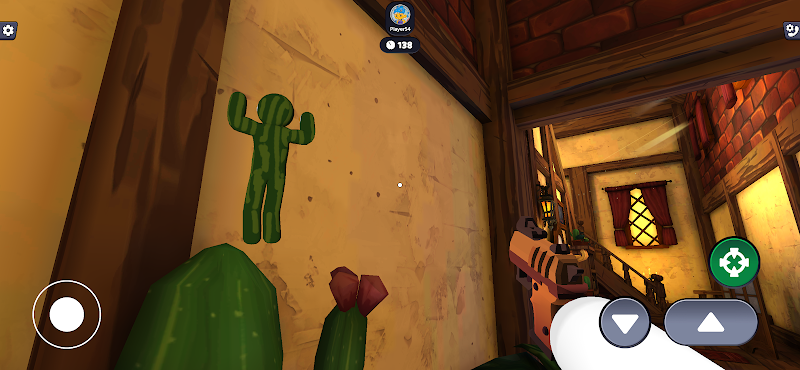
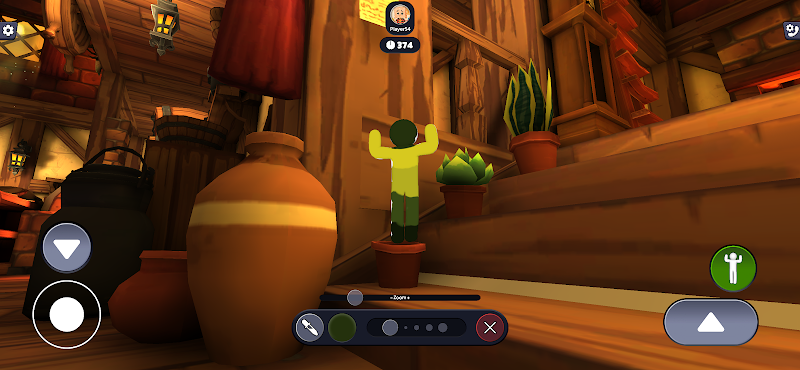
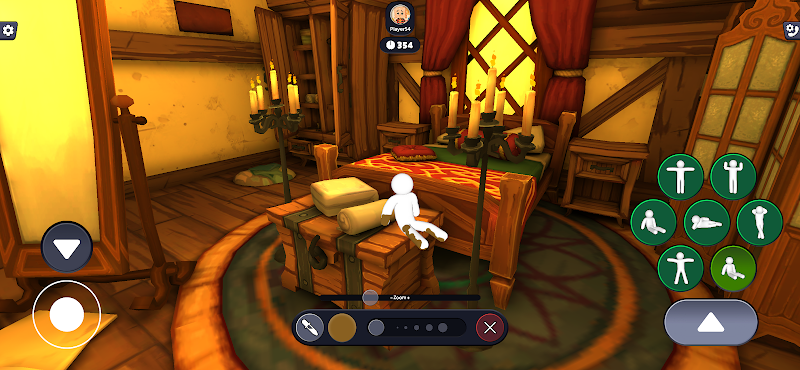
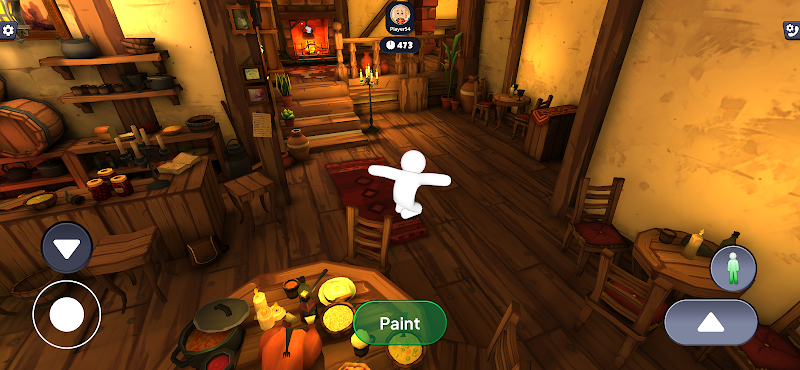
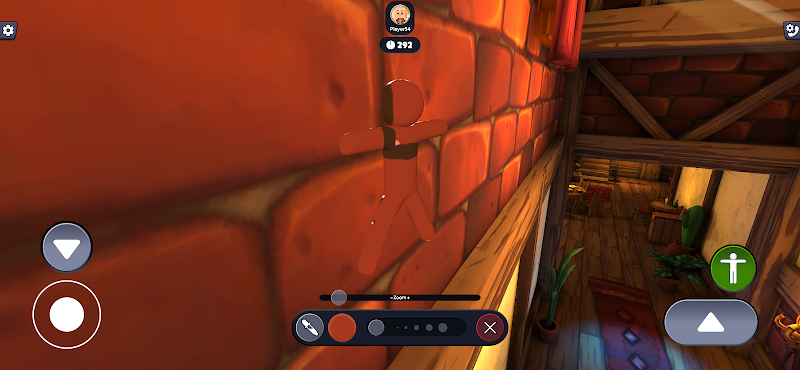
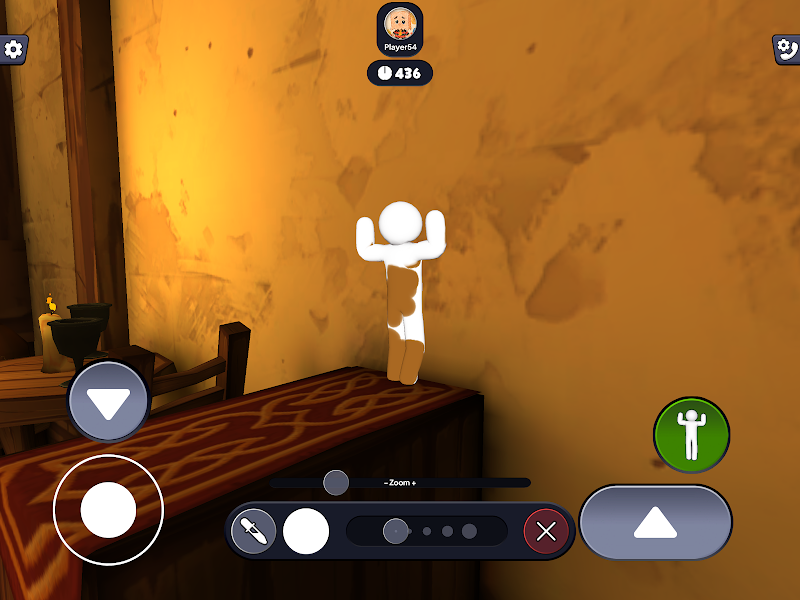
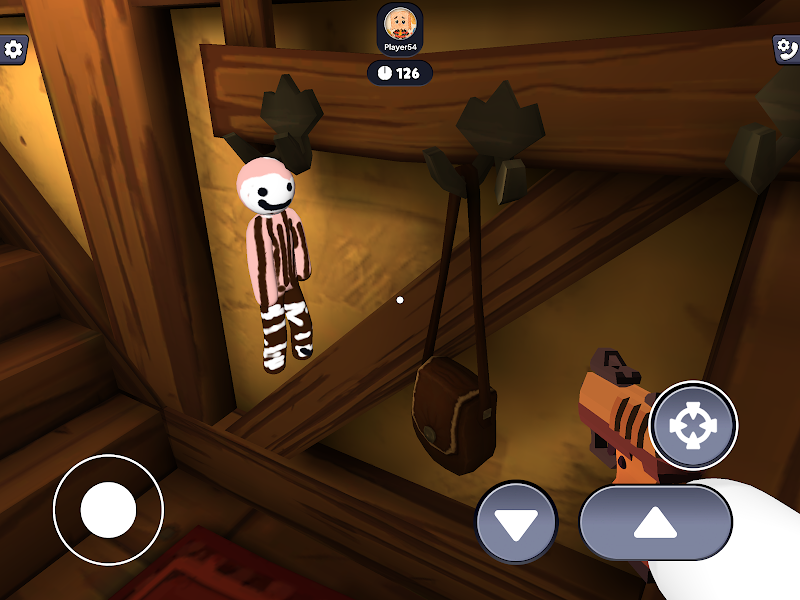
First match tip: you start with a plain white character. The painting phase at the start of each round is short — less than a minute — so the moment a round begins, start picking colors from the environment around you immediately. New players usually spend the first 20 seconds staring at the color wheel instead of their surroundings. Don’t be that player.
If you enjoy this kind of real-time camouflage gameplay, you might also like [Chameleon Hide: Color Match] — another solid pick in the same genre.
When something goes wrong
Paint Hide and Seek won’t install. Nine times out of ten, this is either a storage issue or the unknown sources permission wasn’t fully enabled. Double-check you have 200MB+ free, and go back into Settings → Apps → your file manager → Install Unknown Apps to confirm the toggle is actually on. If it still fails, redownload the APK — a corrupted file won’t give you a clear error message, it’ll just refuse.
Game crashes immediately on opening. This usually points to an Android version mismatch (below 7.1) or a RAM issue on older devices. Try restarting your phone first — a fresh boot clears background processes that compete for memory. If it still crashes after restart, your device may be at the minimum threshold and struggling with the online components.
Game installs fine but can’t connect to any match. This isn’t a bug with the APK — it’s almost always a network permission issue or a strict firewall on your Wi-Fi. Try switching to mobile data for the first match. If that works, your home network is likely blocking the game’s server connection. You can also try joining via a room code from someone else instead of public matchmaking, which uses slightly different routing.
Still having trouble after all that? While you wait it out, [Super Hide and Paint] is a similar prop-hunt alternative that tends to be more forgiving on older Android builds.
One last thing before you play
Before your first real match, go into Settings and turn off the background music if you’re playing with headphones. The default audio mix buries the ambient sound cues that help you notice when a Seeker is getting close — and those sounds are genuinely useful once you know what to listen for.
Check for updates regularly too. The Paint Hide and Seek latest version gets patched frequently right now since the game is still in active development — new maps and stability fixes have been dropping almost weekly. Staying on the current build means better matchmaking pools and fewer mid-game disconnects.